Software Update 5.10.1.1 Is Out for the Amazon Kindle Paperwhite, Oasis and Voyage
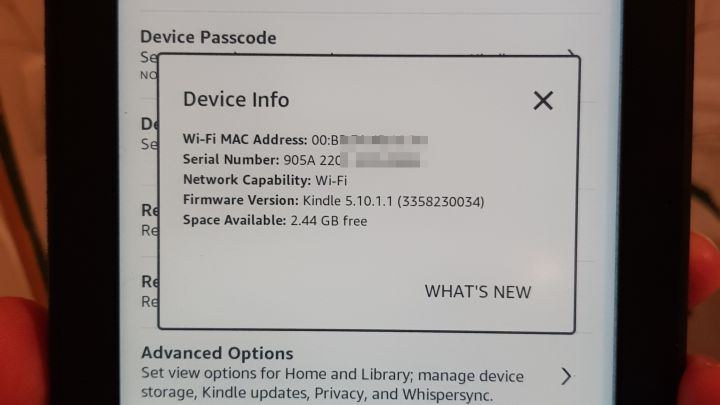
When I went to check whether there was an update for my Amazon Kindle Paperwhite 2 e-reader, I saw that software update version 5.10.1.1 had come out very recently (just a few hours earlier). The update also applies to the Kindle Paperwhite, Oasis, Voyage and many other models. I quickly read up on what’s new and, while the installation file was downloading to my computer, set about writing this post to share the new features.
What’s New in Update 5.10.1.1 for Amazon Kindle E-readers
- Swiping up on the screen now brings up content such as tips and recommendations based on your reading habits.

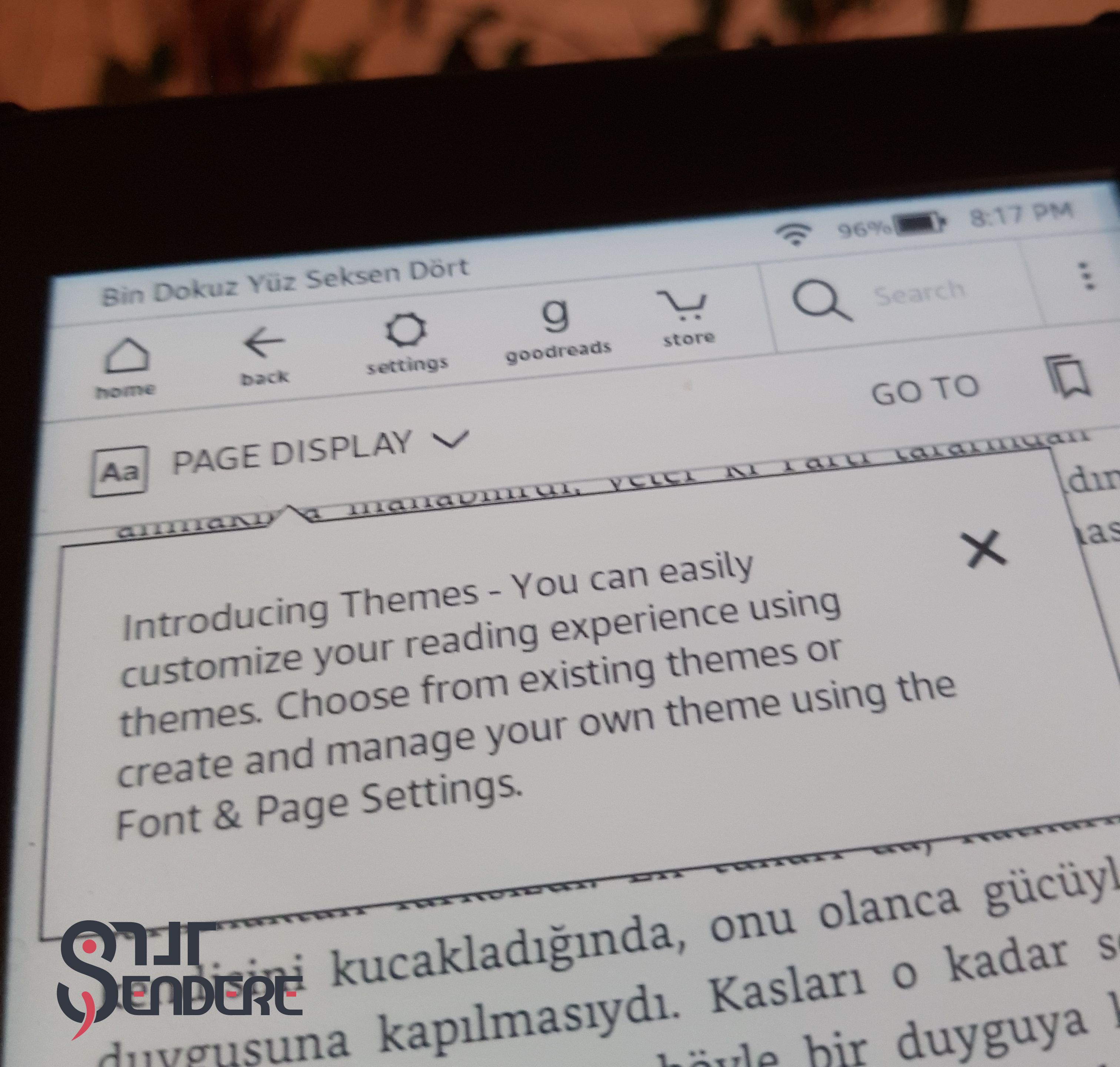
- Personalise your reading easily: you can now easily save combinations of settings, such as font family, font settings and page orientation, and switch between your saved settings just as easily from the main menu.
- Return borrowed books easily: you can now easily return books borrowed through Kindle Unlimited (and the Kindle Owners’ Lending Library) with a long press on them.
- The remaining battery percentage can now be shown as a number.
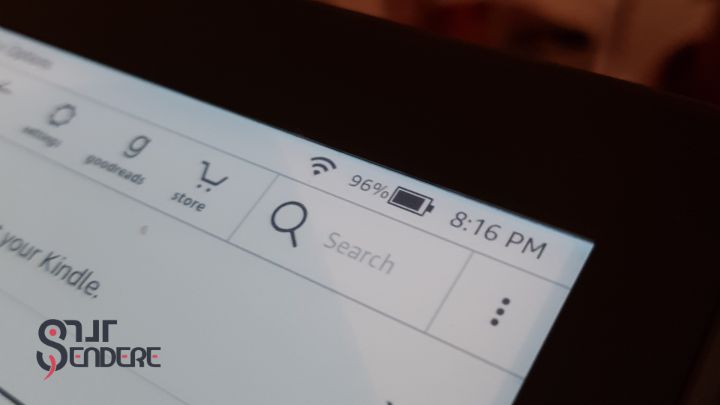
- Labels for the standard toolbar: labels now appear under each icon in the standard toolbar for improved navigation.
- Performance improvements and general enhancements.
Especially if, like me, you share your e-reader with your other half, being able to save reading settings and switch between them easily is a brilliant new feature. :) “Nobody touches anybody’s font!”
I think this update has come with the newly announced Amazon Kindle Paperwhite 4 in mind. You can read my blog post about that model here. I can say that the update brings changes to the overall look and to the device’s fine-tuning settings, along with functional improvements in usability.
To find the right version for your device easily, just search Google for “model name (the generation number works too) software update”, download the installation file from the first Amazon page that comes up and copy it over to your Kindle. That’s because the software update isn’t showing up on the Kindle itself yet.
Happy reading! ;)
Comments
Comments on this post are collected under the original Turkish version. You’re welcome to write in English.
Go to the comments